


These are instructions on how to put your iPhone, iPad, or iPod touch into DFU mode with a broken home or power button.
Step One
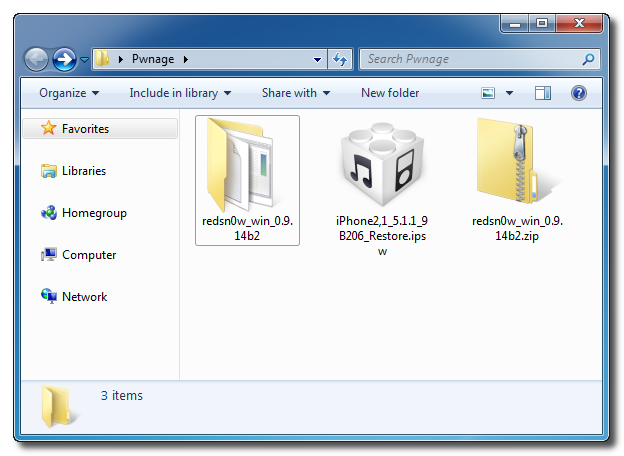
Create a new folder on your desktop called Pwnage.
In the folder place the most recent firmware (which can be downloaded from here: iPhone, iPad, iPod Touch) and the latest version of RedSn0w (from here).
Extract the RedSn0w zip file to the Pwnage folder.
Step Two
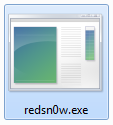
Launch the redsn0w application from the redsn0w folder we extracted earlier. You can do this by right clicking the executable and selecting Run as Administrator contextual menu.

Step Three
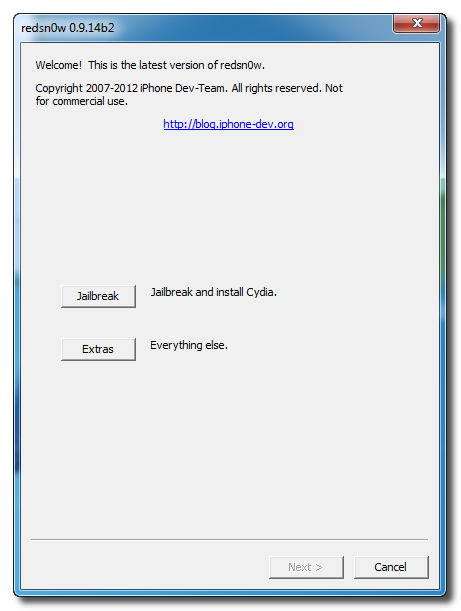
Once RedSn0w opens click the Extras button.
Step Four
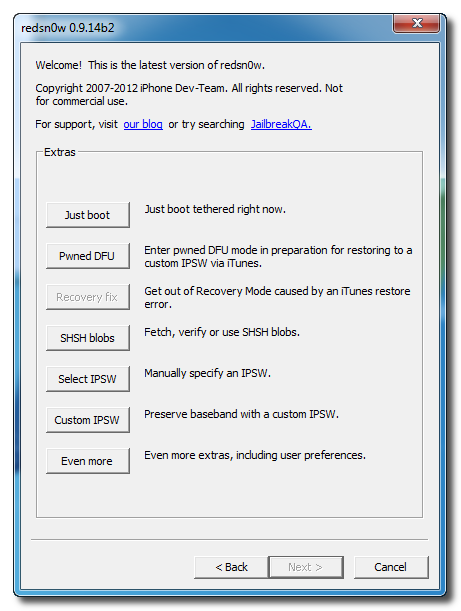
Choose Even More from the Extras menu.
 Step Five
Select DFU IPSW from the Even More menu.

Step Six
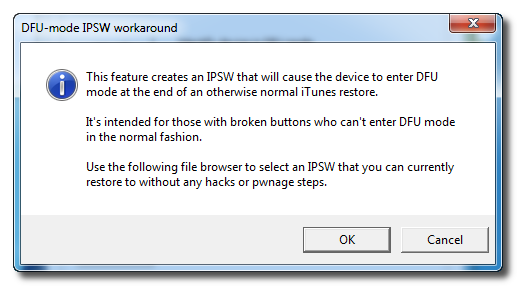
You will be instructed to select an IPSW that you can currently restore to without any hacks or pwnage steps. Click OK.
Step Seven
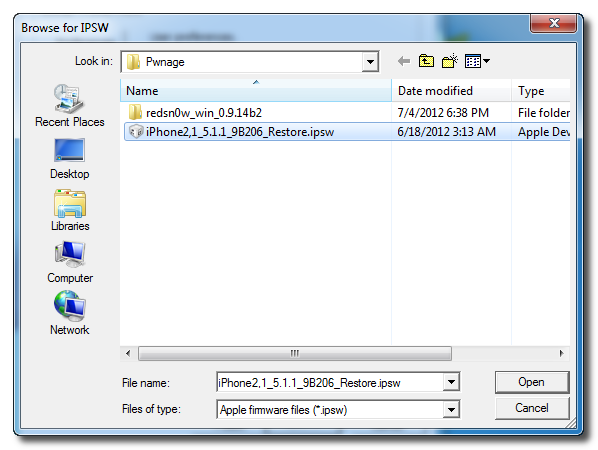
Select the ipsw firmware file you downloaded in Step One and click Open.
Step Eight
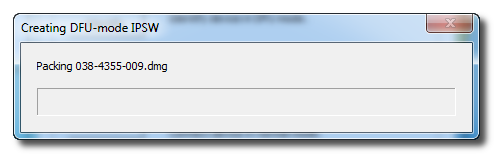
RedSn0w will now proceed to create a DFU Mode IPSW.
Step Nine
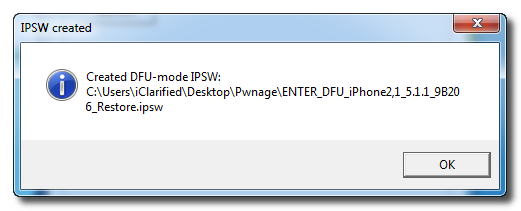
You will be notified once the IPSW has been created successfully. Click the OK button.
Step Ten
Launch iTunes.

Step Ten
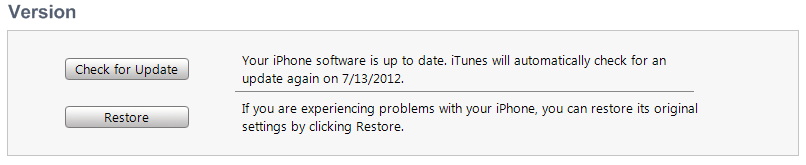
Connect your device to the computer and select it from list of devices on the left. If you haven't performed a backup recently, perform one now. Next, make sure you are on the Summary then hold down the Shift key and click Restore.
Step Eleven
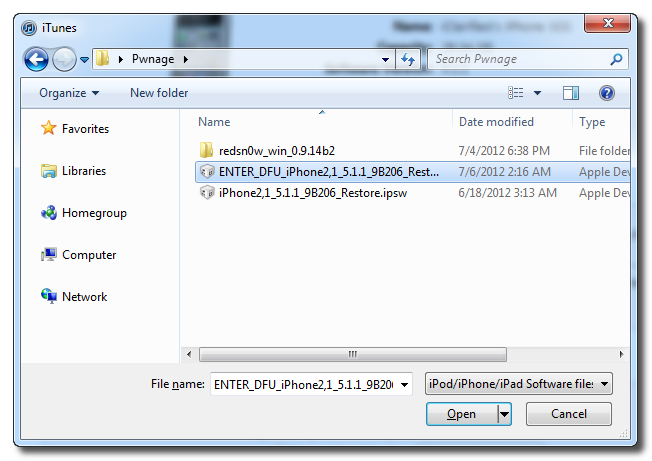
Select the ENTER_DFU ipsw from the Pwnage folder on your desktop and click the Open button.
Step Twelve
After your device has been restored it will be dumped into DFU mode. The screen will remain black and you may be able to jailbreak depending on the firmware you've restored to.


